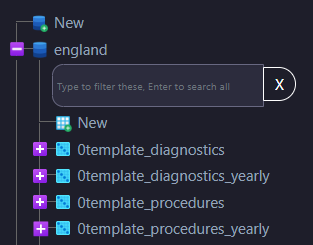
phpMyAdmin Number of Tables Shown
By default, phpMyAdmin limits the number of tables displayed under a database. If your tables exceed this limit, a pagination box will appear, requiring you to navigate through multiple pages to view all your tables. This can be cumbersome, but it is possible to modify this setting. The following instructions, along with accompanying screenshots (Figures 1, 2 and 3), will guide you through the process.
Figure 1.
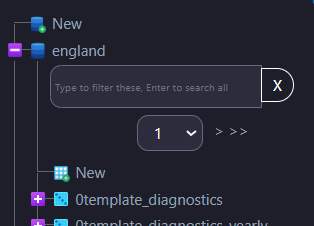
Figure 2.
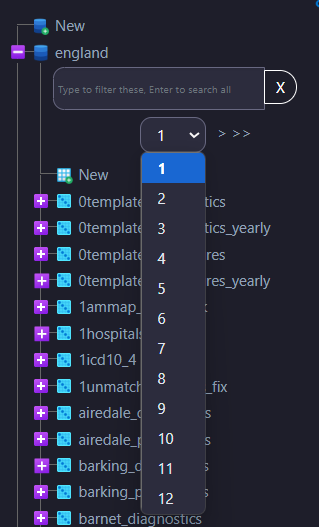
This can be adjust by changing a setting:
Go to: Home (located on the top left just below phpMyAdmin) | Settings | Navigation Panel | Navigation tree | Maximum items in branch
Set this to 300 (default is 50).
Figure 3.