
Login & Access Tools
Log in to the following website using your supplied credentials and complete the Two-Factor Authentication process:
https://auth.hostinger.com/uk/login
Once logged in you are directed to the Home page.
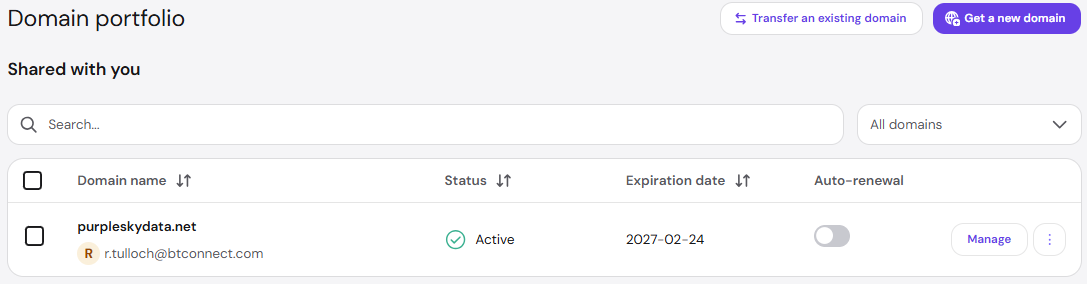
From the menu on the left-hand side, select Domains. You should see purpleskydata.net listed. On the right-hand side, click Manage.
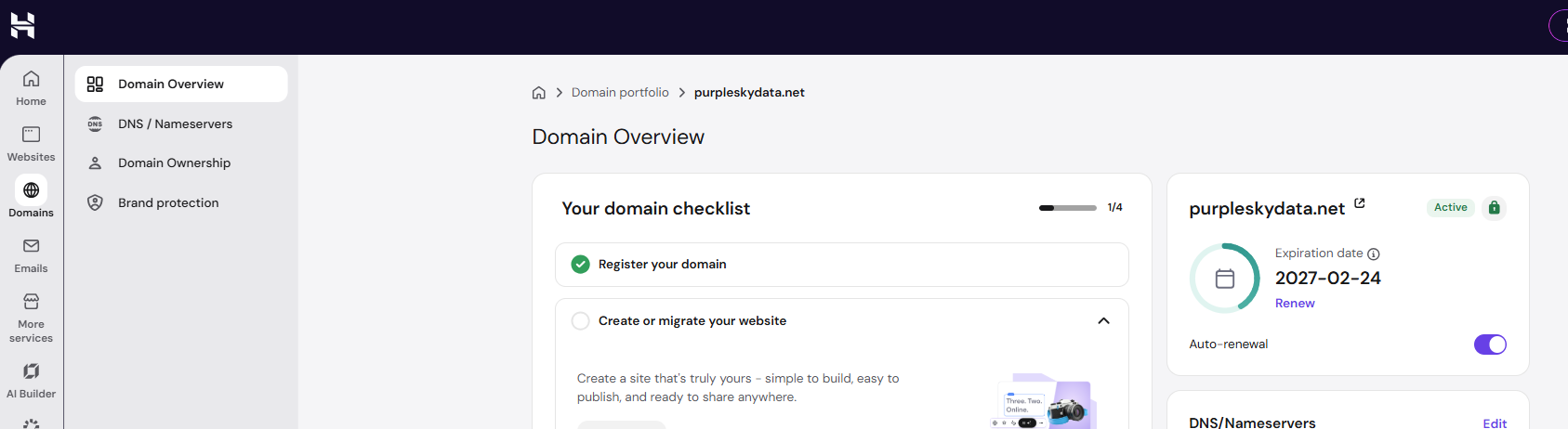
After clicking Manage, you will be taken to the Domain Overview page, which should look something like this:
On the left handside menu click on Home and on the right hand side scroll down:
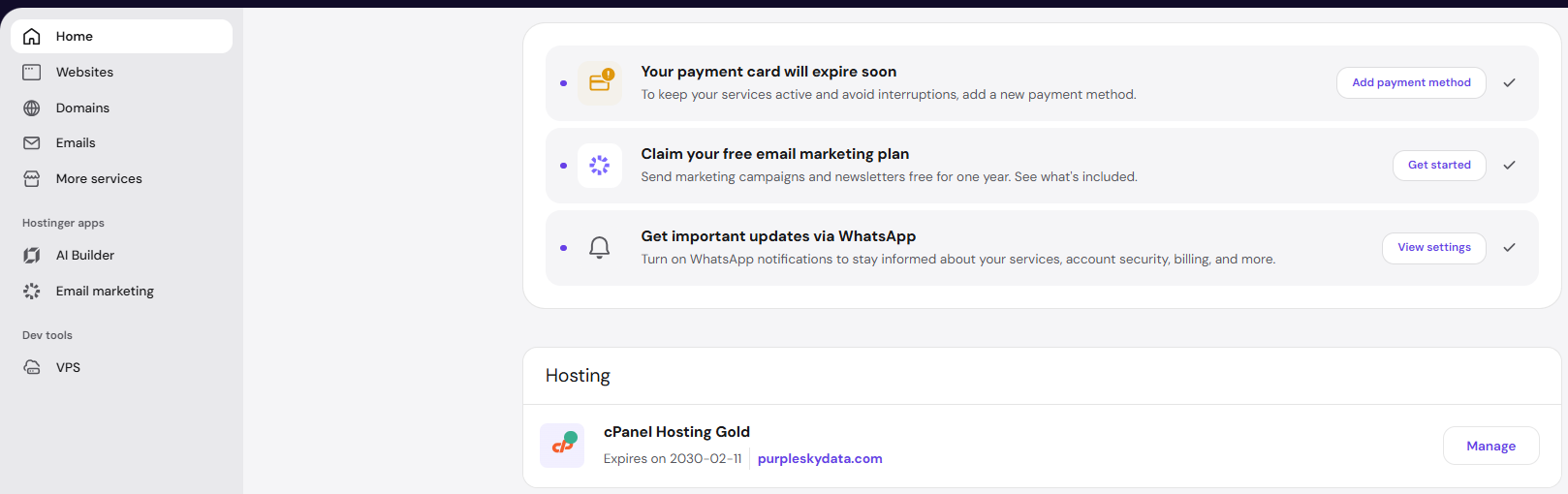
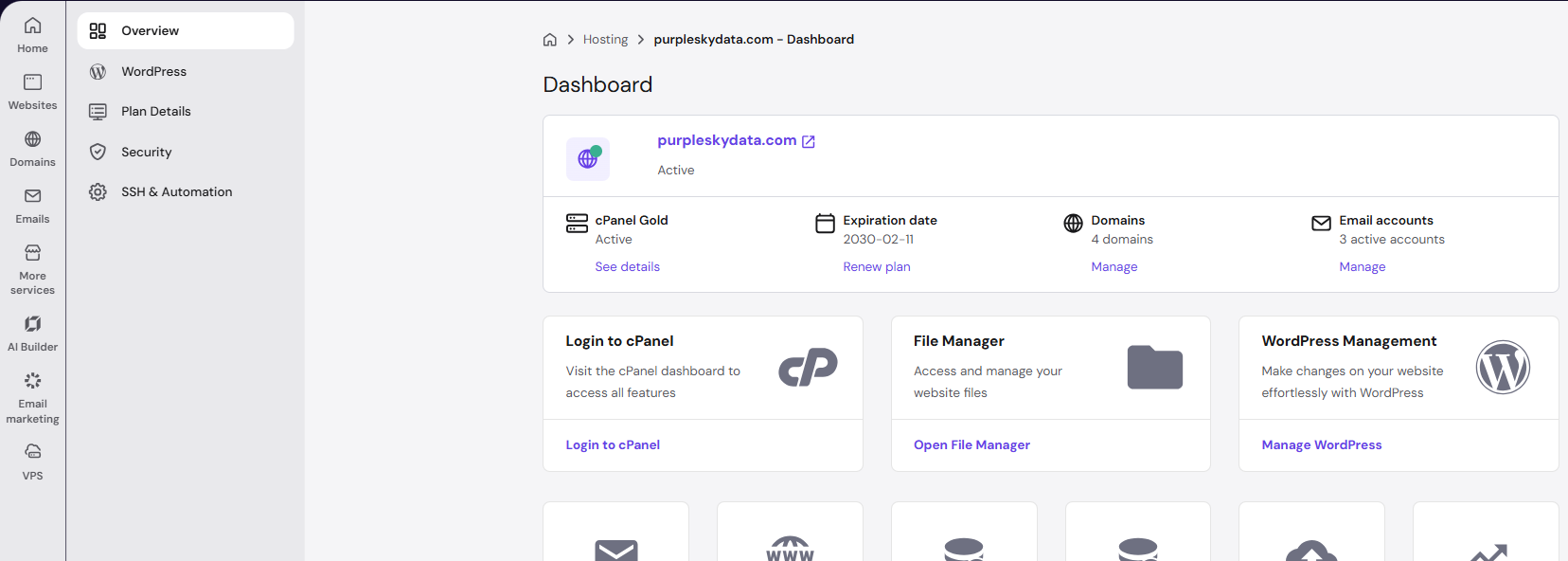
Under Hosting | cPanel Hosting Gold, click Manage, and takes you to the Dashboard where you can access the File Manger, cPanel andPHPMyAdmin :
Topic last reviewed: 22/09/26