
WampServer / OneDrive issue
Below is a solution where VirtualHosts are not located on your local drive
A junction can sometimes help make Apache/WampServer see a OneDrive folder through a normal local looking path.
Important note❗This only works properly if the OneDrive folder is actually available locally on the PC. If it is online-only, Apache may still fail because the files are not really present on disk. In OneDrive, right-click the folder and choose:
Always keep on this device
After upgrading Apache module VirtualHosts fail to work, see errors in red.
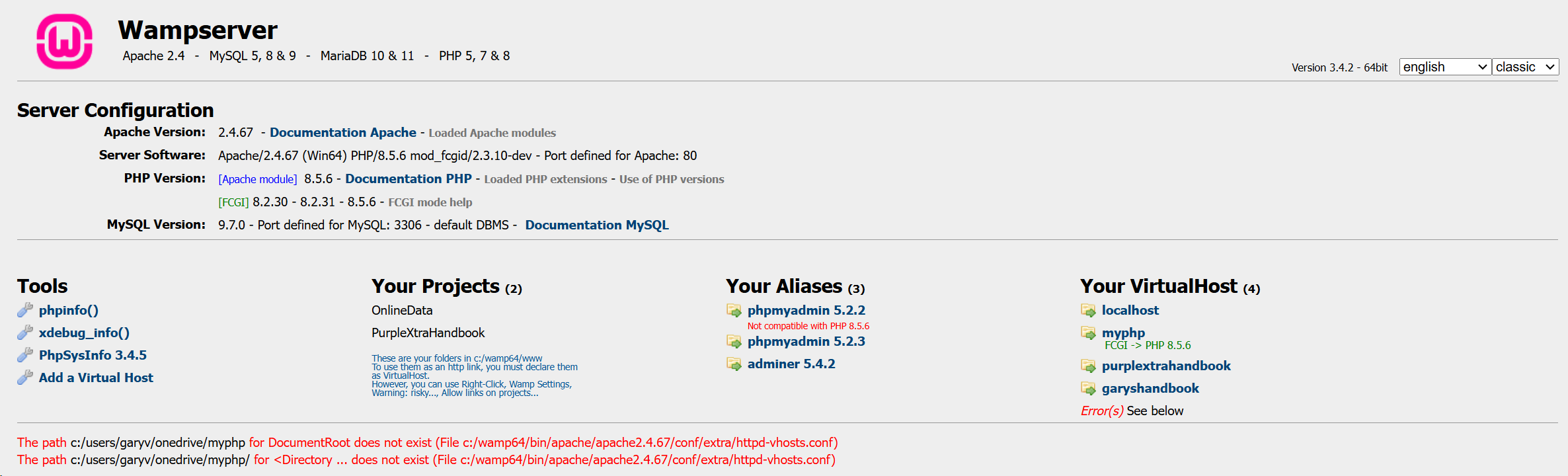
VirualHosts should be free of any errors:
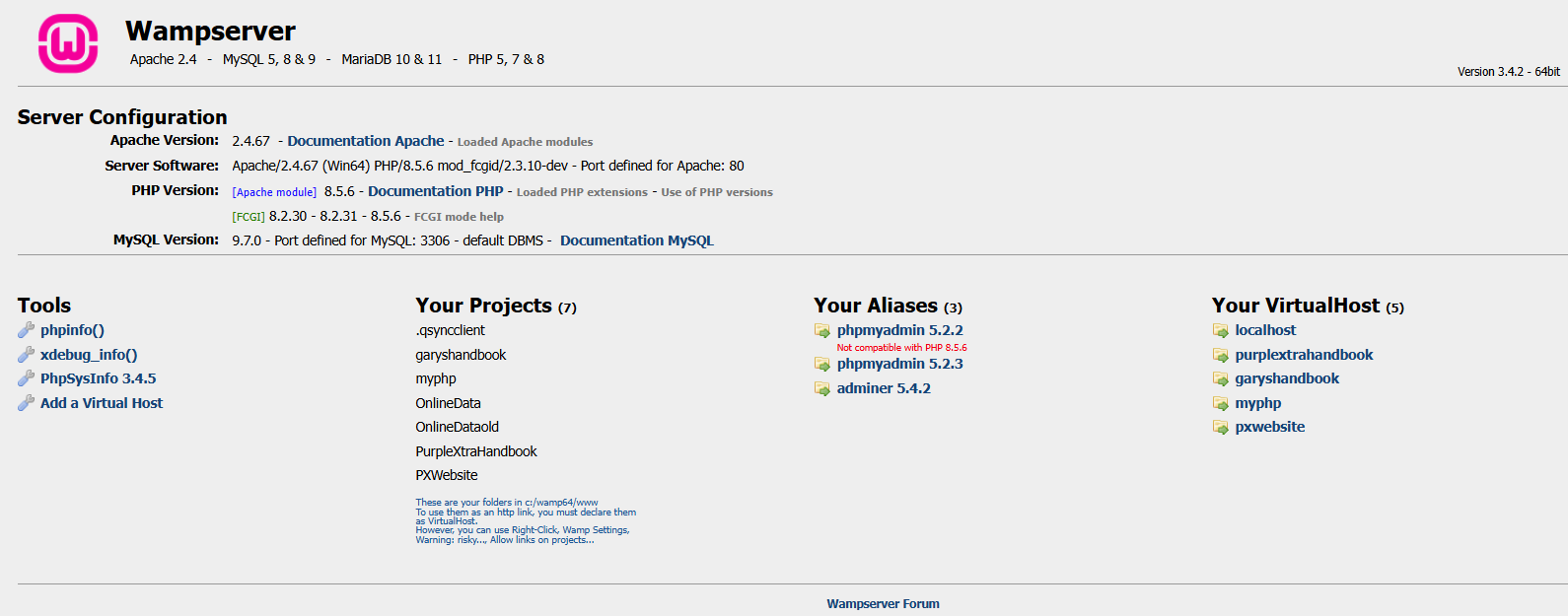
Fix
The sentence you provided is mostly clear but can be improved for clarity and grammar as follows:
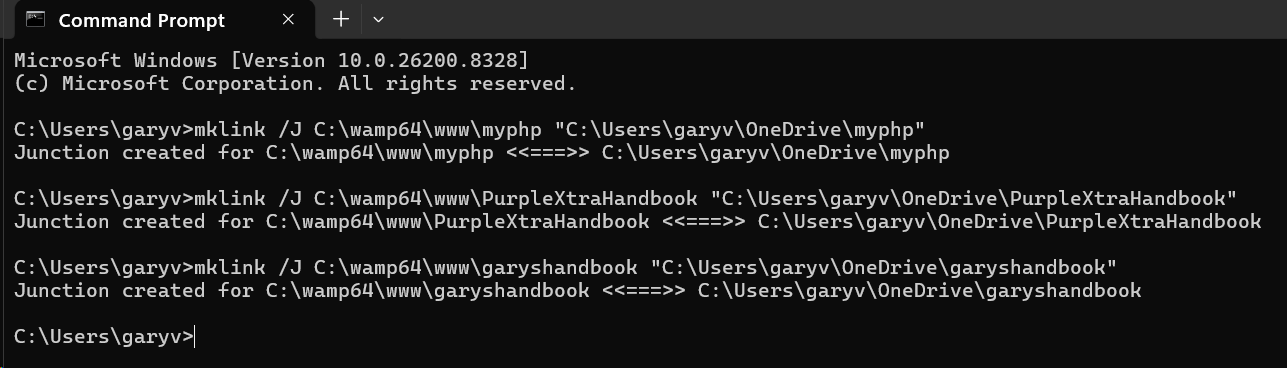
Use a Junction so that Apache sees a simpler local path while the files remain in OneDrive. Open the Windows 11 command prompt (administrator rights are not required) and run the mklink /J command. For example, for each of the three VirtualHosts from the above screenshots, run:
mklink /J C:\wamp64\www\myphp "C:\Users\garyv\OneDrive\myphp"
mklink /J C:\wamp64\www\PurpleXtraHandbook "C:\Users\garyv\OneDrive\PurpleXtraHandbook"
mklink /J C:\wamp64\www\garyshandbook "C:\Users\garyv\OneDrive\garyshandbook"
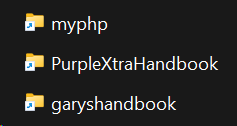
And in the Windows Explorer C:\wamp64\www directory you will now see three new shortcuts (identifiable by the bottom left arrow) to the associated OneDrive folder:
Now delete the problematic VirtualHosts in WampServer and then add them again using path C:\wamp64\www\PurpleXtraHandbook (case insensitive).
Note! To remove the links just delete it as you would a Windows folder.
Visual Studio Code Unable to Save Fix
This works correctly when editing a single PHP script but triggers an error in Visual Studio Code if one PHP script calls another. In such cases, the called PHP script cannot be saved after editing.
This issue is resolved by explicitly defining them at the beginning of the called PHP script, as demonstrated in the example below:
/**
* Variables provided by launcher script:
* @var mysqli $conn
* @var string $diagnosticsTable
* @var string $proceduresTable
*/
/*
The example above demonstrates that these variables are not defined within this PHP file. Instead, they are expected to be provided by the launcher PHP file that includes this script. In practice, these variables should be customized to suit your specific environment.
Topic last reviewed: 19/05/26